
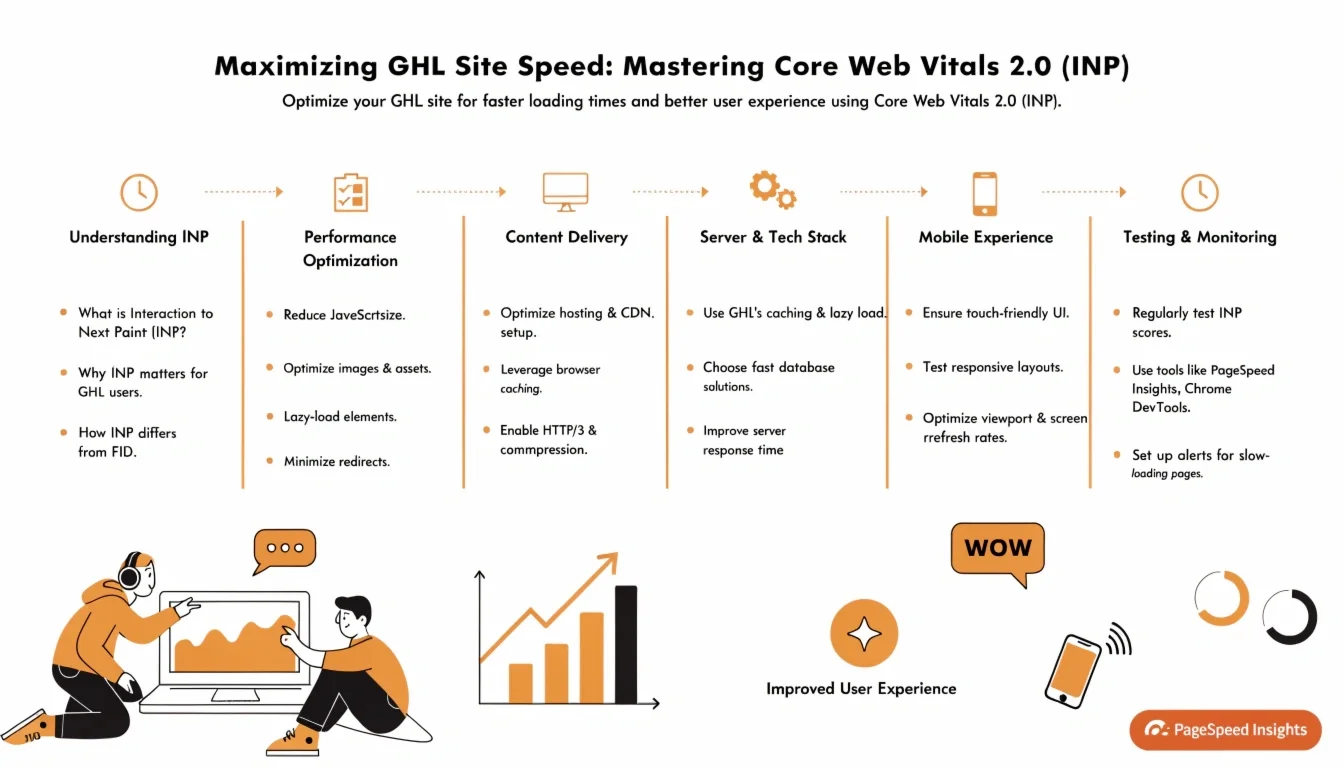
Maximizing GHL Site Speed: Mastering Core Web Vitals 2.0 (INP)
In 2026, Google has moved beyond just “how fast your page loads.” They now care about how fast your page responds. This is measured by Interaction to Next Paint (INP).
If a user clicks a button on your GHL Site and there is a 500ms delay before anything happens, your INP score is “Poor.” In a world of Generative Engine Optimization (GEO), a slow-responding site is a site that loses traffic. To dominate the search results, you must optimize for responsiveness.
What is INP? (The Interactivity Metric)
INP replaced the old FID (First Input Delay) in 2024 and has become the primary ranking signal for interactivity in 2026.
Breaking Up “Long Tasks” in GHL
The biggest enemy of a fast INP score is “Long Tasks”—JavaScript that blocks the main thread for more than 50ms.
Optimizing Visual Stability (CLS)
While INP is about speed, Cumulative Layout Shift (CLS) is about stability. Nothing frustrates a user more than a button moving right as they try to click it.
Technical Checklist for 100/100 Scores
Use this technical workflow to audit your GHL CRM funnels and websites.
| Metric | Target | GHL Optimization |
| LCP (Loading) | < 2.5s | Use WebP images and a global CDN. |
| INP (Responsiveness) | < 200ms | Defer non-critical JS and optimize event listeners. |
| CLS (Stability) | < 0.1 | Set fixed heights for sliders and ad banners. |
| TTFB (Server Speed) | < 0.8s | Keep your GHL Stack clean of unused workflows. |
Frequently Asked Questions (FAQ)
How do I measure my INP in 2026?
Use Google PageSpeed Insights or the “Core Web Vitals” report in your Google Search Console. Look specifically at the “Field Data” section, as this represents real user experiences.
Does GHL use a CDN?
Yes. GHL uses a global Content Delivery Network (CDN) to ensure your AI Site and Funnel Builder content is served from the server closest to your visitor, significantly lowering your LCP.
Why is my mobile score lower than desktop?
Mobile devices have slower processors. A script that takes 20ms to run on a Macbook might take 150ms on a mid-range Android phone. Always optimize for mobile first.
Summary: Speed is a Feature
In 2026, site speed isn’t a “nice-to-have”—it’s a fundamental part of your GHL Local SEO Stack. By focusing on INP and Core Web Vitals 2.0, you aren’t just pleasing Google; you are providing a better, snappier experience for your customers. A fast site is a high-converting site.


