Video Testimonials in GoHighLevel: Collect and Show Them Automatically
In the past, getting a video review was hard. You had to ask a customer, wait for them to record it, have them email a giant file, and then hire an editor. In 2026, the GHL Video Testimonial Stack automates the entire process. This GoHighLevel video testimonials guide shows the full setup.
Video is “liquid gold” for conversion. Seeing a real person’s face builds trust faster than any written text. To see how this fits into your larger marketing plan, check out our Ultimate GHL Stack Guide. A single face-to-camera clip often converts better than a page of written quotes.
GoHighLevel Video Testimonials: A Frictionless Video Collector
The secret to getting more reviews is making it easy. GHL uses a Video Collector—a simple, branded link you send to your customers. Customers record in their mobile browser, so there is nothing to install and no file to email.
Automating the Request
You should never have to manually ask for a review. In 2026, you connect your collector to a GHL Workflow. GoHighLevel video testimonials arrive on autopilot once the workflow is live.
The Perfect Automation:
If you are just starting your agency journey, you might want to read about High-Ticket GHL Consulting to see how to price these automated services.
The Video Review Widget
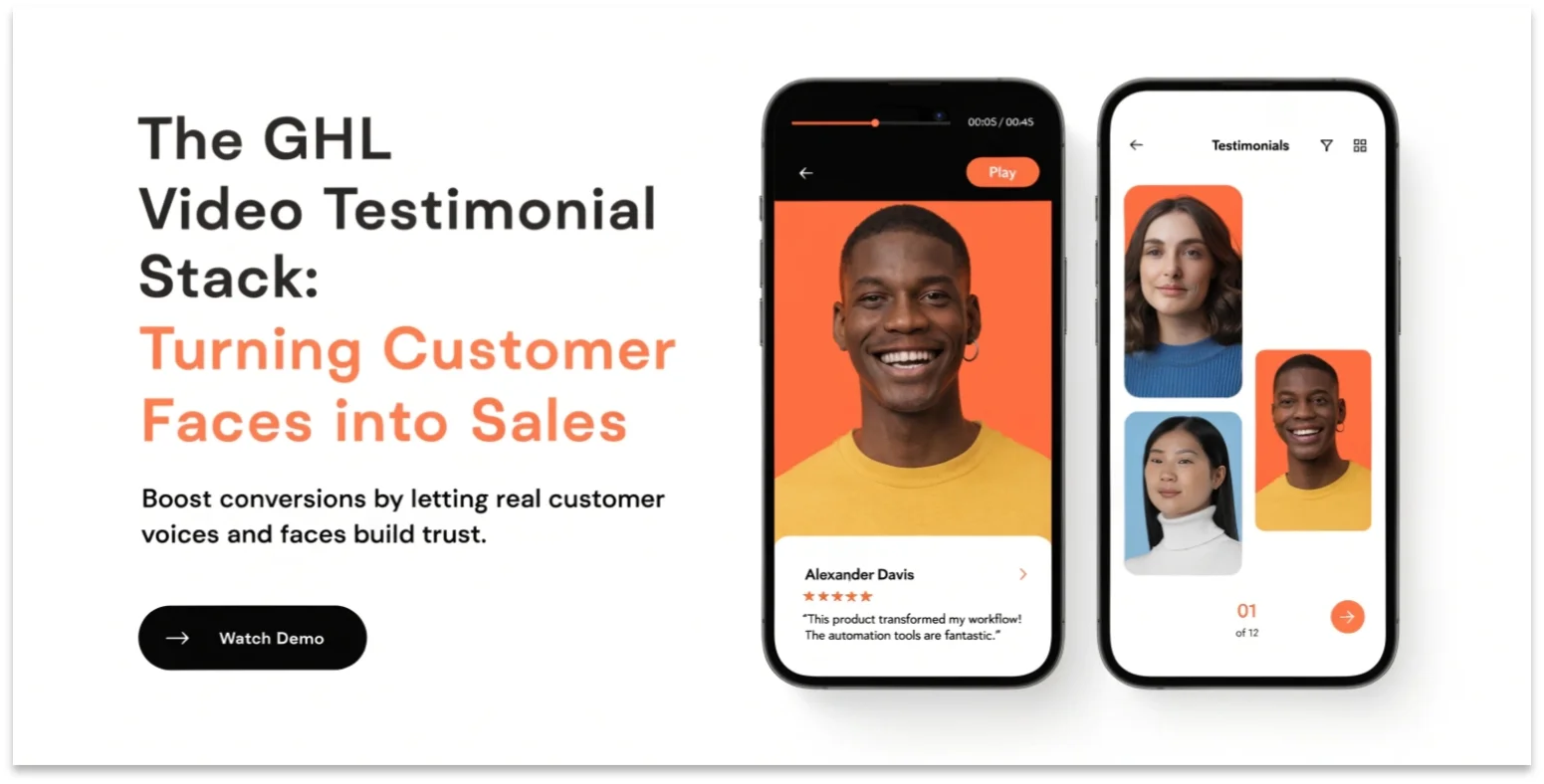
Once you collect these videos, you don’t need to be a web developer to show them off. GHL has a dedicated Video Review Widget that integrates perfectly with the GHL AI Builder Stack. The widget pulls fresh clips from your Reputation inbox, so your GoHighLevel video testimonials stay current as new reviews arrive.
| Widget Style | How it Looks | Best Used For |
| The Carousel | A sliding row of videos. | Homepages with limited space. |
| The Grid | A “Wall of Love” with many faces. | A dedicated “Testimonials” page. |
| The Slider | One big video that moves to the next. | Highlighting “Success Stories.” |
Managing Responses and SEO
All your videos are stored in the Reputation section of GHL. From there you can approve, transcribe and share each clip in a few clicks, without downloading files or opening another tool.
Frequently Asked Questions
Can I really put my logo on the video player?
Yes! That is the power of the GHL White-Label Mobile App and platform—everything looks like it belongs to your brand.
Is this safe for medical clients?
If you have medical clients, make sure you have the GHL Compliance Shield active to handle patient data correctly. It keeps consent records and message history organised, which makes audits far less stressful for your whole team every quarter.
Summary: Faces Over Fonts
A written review is good, but a video review is undeniable. By using the GHL Video Testimonial Stack, you turn your happy customers into your best salespeople. In 2026, authenticity is the only way to win. Start with one collector link on your thank-you page, then add the widget to your homepage and watch new reviews build trust while you sleep.